Showing posts with label wifi. Show all posts

Monday, August 26, 2024

Campus Wide WiFi Outage

Update 8/28/24 3:35PM: We believe that we have resolved the WiFi outage. If you are still experiencing issues, please email its@manhattan.edu and we will investigate.

We are aware of a campus wide WiFi outage and are working diligently to restore service as quickly as possible. Please keep an eye on our Blog as we will update when service is restored. 

Tuesday, November 30, 2021

UPDATE: RESOLVED- Wednesday 10 November 2021 - Power disruption Causing Network Outages.

A power disruption in DLS has caused some network disruptions throughout upper campus. 

Services are returning to normal and we are monitoring the situation closely. 


Thursday, July 15, 2021

UPDATE: 2:16pm Wifi Completely Restored. - 15 July 2021 WIFI OUTAGE ALL OF CAMPUS

Upate 2:16 pm

Wifi has been completely restored. 

------------------

Update: 2:07pm

Wifi has been restored to most of campus. We are working to restore wifi completely. 

----------------

ITS is troubleshooting a campus wide wifi outage affecting all of campus. 

Thursday, April 30, 2020

Susie's Tech Tips #3: Home WiFi Tips

As we continue to work remotely from our personal devices and technologies, it is important that we remember that the WiFi we are accustomed to having access to at the college is not the same as at home. 


ITS would like to offer some tips that might be helpful in getting the most out of your personal internet connection! 


1. Consider if your internet is really the issue. The issue might actually be the device you are using. A good way to test this is to restart the device you are using, and see if you are able to better connect to your internet. Sometimes all it needs is a restart. 

2. Determine the speed of your internet by running a speed test. This is easy and can be done by getting whatever device you are using as close to your router as possible. Next, turn the WiFi on your device off and then back on again. Once that is done go to speedtest.net, and there you can run a very quick test. For sufficient WiFi your speed should have at least 10 mbps download and 5mbps upload for watching videos and video conferencing. 

3. Make your WiFi more accessible. Wifi can be thought of similarly to music coming out of a speaker. The closer you are to it the more clearly you can hear it. You should consider moving your router. Sometimes the shape of your home can create a barrier for your wifi, and moving it to a more central location in your home, or closer to where you are working could help alleviate some of your connection issues. 

4. "Have you tried turning it off and then back on again?" A timeless question, that although seems trivial, holds quite a bit of power. Resetting your router and leaving it off for 15-30 seconds  can be a very helpful and successful troubleshooting tool for connectivity issues. 

5. Get the most out of your Internet Service Provider (ISP). Ask about upgrading your service, or updating your modem. Additionally you might want to consider doing some research and seeing what the BEST ISP in your area is, and switching to that ISP if you are not already using them. 

6. Preserve and persevere! If you have done everything you possibly can and are currently working on the fastest WiFi that you are able to receive, then you must preserve the bandwidth that you have. This means that you have to do things such as turning off anything that uses a lot of data, like iCloud or Dropbox, turning off your camera when video chatting, or using your phone as a personal hotspot and tethering it to your computer. 

To find out more about these tips and others like them please reference this article

If you have a moment, it would be greatly appreciated if you could fill out this form to provide feedback or ask questions about this tip!

Sunday, March 15, 2020

Broadband Resources for Students during COVID-19 Emergency

ITS has compiled a list of free or low-cost broadband resources being made available to students during the COVID-19 emergency.

COVID-19 Broadband Resources for Students

Mobile carriers and ISPs are offering help to students during school closures and during a time when classroom work is being delivered remotely or online.

Tuesday, January 24, 2017

WIFI Connection Issues in DLS, Memorial, and Miguel Halls


UPDATE:  Issue resolved.

ITS is aware of an issue affecting some WIFI users in DLS, Memorial, and Miguel halls.  We have identified the issue and are working on a temporary solution.  WIFI utilization in these 3 buildings has exceeded the 2048 device maximum current in place.  ITS will be implementing a temporary solution this afternoon and a permanent solution overnight.

Friday, August 26, 2016

Move-In Weekend - Technology Support

ITS (Information Technology Services) will be providing technology assistance to new and returning students from 12:00 Noon to 5 PM on Saturday and Sunday during move-in weekend.

- Need help connecting to JasperNet WIFI?
- Have questions about JasperNet services?
- Need to reset your JasperNet password?

Look for ITS staff in residence halls (we're wearing the bright green shirts with "ITS" on the back) or call the ITS Client Services office at:
 x7973 or 718-862-7973.  Even better, email us at its@manhattan.edu

Calling after 5PM?  Leave a message and we'll get back to you as soon as we can.


Welcome back Jaspers!!

Wednesday, August 24, 2016

Client Services Response Times Will Be Slower Than Normal Wednesday August 24th - Friday September 16th

As per usual, Client Services will be prioritizing support for Classrooms, Computer Labs, Event Support, and the Network above all other requests for the period of Wednesday August 24th - Friday September 16th.  Support for all other issues will take longer than usual.  We ask that all other requests be put on hold until after Friday September 16th, if possible.  Thank you for your consideration.

Friday, April 1, 2016

Manhattan Engineers Pioneer NEW WIFI Hotspot Technology

Release Date: 2016-04-01

Manhattan College Engineers have created a new WIFI hotspot technology that promises to deliver high-speed WIFI connectivity to an entire building with only 1 antenna.  Taking inspiration from recent advances in covert cell phone tower technology as well as architectural aspects of the Manhattan College campus, engineers have created a new WIFI hotspot antenna that is a perfect blend of form and function.


Manhattan College ITS has been quick to seize the opportunity to deploy this new WIFI antenna technology.  ITS will be deploying the new cupola WIFI antennas across campus to enhance JasperNet WIFI.  The project is expected to be completed by April 1st, 2017.  Below is an artist's rendition of what the new deployment will look like once completed.  #weneedmorecupolas


Faculty and students will now be able to enjoy 100% WIFI coverage anywhere on campus without ever feeling like they've left the quad.


Monday, January 11, 2016

Library WIFI Upgrade

ITS has already begun the process of upgrading JasperNet WIFI coverage in the O'Malley Library.  Over the course of the next few days, the existing WIFI devices in the library will be replaced with newer devices to provide better coverage and faster connectivity.  After the upgrade is complete, ITS will perform a complete test of the new WIFI system and add coverage in additional locations as needed.

As a result of the work to upgrade WIFI in the library, access to JasperNet WIFI in the library may be unavailable for the next few days until the upgrade is complete.  Check back to ITSblog for updates.

Wednesday, December 9, 2015

WIFI Capacity added to Library

ITS has been working in the library all week adding additional capacity as usage increases toward the end of the semester.  You may see ITS staff throughout the library monitoring WIFI through midnight and installing additional hotspots based on WIFI testing and student feedback.  Students experiencing WIFI issues in the library should report locations to ITS by calling x7973 or emailing its@manhattan.edu

On a related note, you'll find power strips and extention cords distributed throughout the library to help students charge their devices while studying...

Friday, December 4, 2015

Additional WIFI Capacity Added to Library #TellITS

As we approach the end of the semester and finals, ITS has added additional WIFI capacity to the Library to handle the anticipated needs of students.  ITS has received reports that WIFI coverage and capacity in the lIbrary has been problematic and has taken steps to deploy supplemental coverage for the busiest weeks of the semester.  A WIFI upgrade is planned for winter break and will make these temporary enhancements permanent.

IMG_5257.JPG
You Spoke - We Listened!
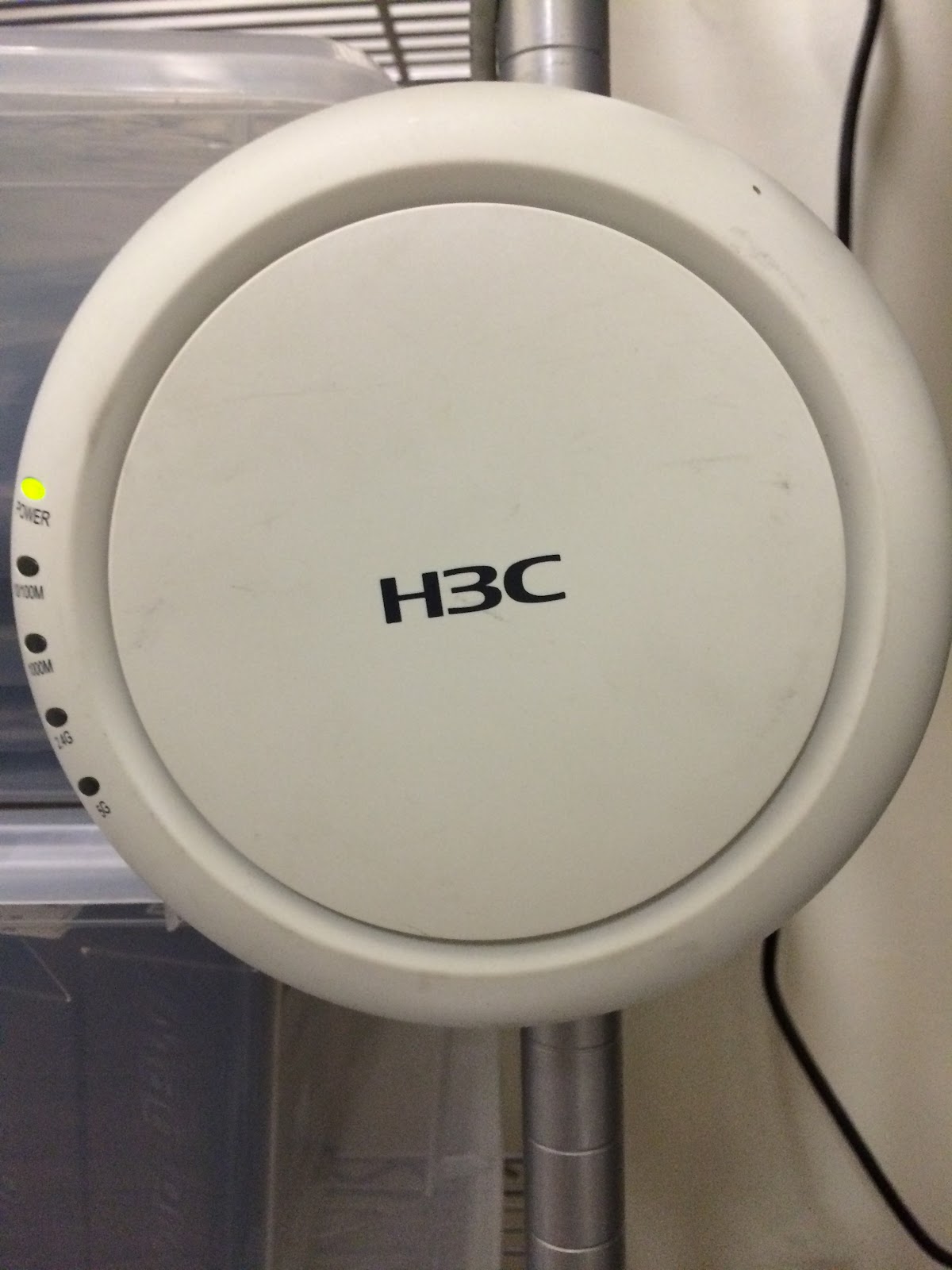
This is a TEMPORARY WIFI HotSpot.   ITS has installed 16 additional WIFI HotSpots throughout the Library to provide extra capacity as the Library gets busier for the last few weeks of the semester.  ITS will be upgrading existing HotSpots and permanently adding new WIFI HotSpots throughout the Library over the winter break to provide far more capacity.

Problems connecting?
Contact us by calling x7973, emailing its@manhattan.edu or through the links below.


Wednesday, November 25, 2015

JasperNet WIFI Changes - Added Capacity, Apple Fix, 2016 Planning

ITS has applied a number of updates to JasperNet WIFI this morning to add additional capacity in residence halls including Horan, apply a permanent fix to a known issue previously affecting Apple OSX devices, and implement a configuration to prepare for the next generation of WIFI deployments (802.11ac).

After this mornings update, there are now 3 WIFI networks available to faculty and students:

JASPERNET - the preferred high-performance WIFI network providing access to both 5GHz (802.11n & 802.11a) and 2.4GHz (802.11n & 802.11g) devices.  JASPERNET is available in all campus locations.  The 2.4GHz frequency range will be removed over the winter break in preparation for future upgrades (in locations that support 5GHz).

JASPERNET5 - this temporary network #High5 was deployed in Horan Hall to help mitigate WIFI performance issues reported during the fall semester.  JASPERNET5 will be removed over the winter break.

JASPERNET-legacy - this NEW network has been deployed across campus to provide connectivity to legacy devices that are not equipped with WIFI hardware that cannot connect to 5GHz networks.  This network will operate solely on the 2.4GHz frequency range and support 802.11n and 802.11g devices.


These changes have been made as a reaction to the increasingly crowded 2.4GHz spectrum as well as preparing for the next-generation of 802.11ac WIFI devices that will operate on the less-crowded and better-performing 5GHz spectrum.  Over time, we expect to see devices that can currently only connect to the 2.4GHz spectrum being replaced by newer devices that support both 2.4GHz and 5GHz WIFI with a preference for the higher-performing 5GHz WIFI spectrum.  Be on the lookout for an update at the end of the semester.

Please report any issues to ITS #TellITS by emailing its@manhattan.edu or calling x7973.  You can send your speedtest results to @MC_ITS on Twitter.

Happy Thanksgiving!!


Monday, November 23, 2015

Overlook WIFI Maintenance

ITS will be applying software updates to Overlook WIFI this AM to resolve a configuration issue affecting the wired ports on the side of the personal hotspots installed in each room.  We do not expect the maintenance to cause any interruptions in service.  As a result of the update, the wired ports labelled "1-3" on the side the of the personal hotspot device should provide 100Mbps connectivity to connected devices.  Please note that the "Passthrough Port" does NOT provide connectivity.  More information on the personal hotspot device installed in each Overlook residence can be found here:

https://manhattan.teamdynamix.com/TDClient/KB/ArticleDet?ID=8610


Wednesday, November 11, 2015

Updates in Horan providing Significant Improvement in WIFI

#high5 #TellITS - Recent updates to Horan WIFI are providing residents with better access to JasperNet.  Since the beginning of the semester, ITS has been working with students to address concerns with JasperNet WIFI in Horan Hall.  The addition of dedicated access points to the 17 10-man suites as well as the deployment of a separate WIFI band (5GHz) has enabled much better JasperNet connectivity for residents of Horan.

ITS needs your feedback while we continue to optimize of Horan WIFI configuration.  During this time, we have created a TEMPORARY WIFI network named JASPERNET5 (which identified the 5GHz 802.11 WIFI band).  Residents of Horan who wish to test the new configuration should connect to JASPERNET5.  We ask that residents connecting to JASPERNET5 provide feedback by tweeting speed test results to @MC_ITS  You can also provide feedback on the #TellITS form here:
http://www.manhattan.edu/tellits

Tuesday, November 10, 2015

Hey Horan - Gimme a #High5

#TellITS - As part of ITS's efforts to enhance WIFI in Horan Hall,
we have implemented a temporary network called JASPERNET5.  The new JASPERNET5 network operates on the 802.11n 5GHz band which is not prone to the same level of interference that is ordinarily present on the 802.11n 2.4GHz band.  On this higher frequency 5GHz band, there is more capacity (more channels) resulting in what we hope to be a better WIFI experience for students in Horan.

Additionally, work is already underway to install 17 NEW hotspots in all of the 10-man suites in Horan - resulting in better coverage and more capacity for WIFI.  You may spot contractors installing these devices early this week - with expected completion Wednesday or Thursday.

The combination of these 2 efforts are already showing vast improvements is our testing.  We want to hear from you!! #TellITS

Tweet the results of your speed tests on JASPERNET5 to @MC_ITS on Twitter with the hashtag #high5

Once we have confirmed that the updated Horan WIFI is working well, we will transition to a more permanent solution.  Please note that not all devices are capable of connecting to WIFI at 5GHz and should continue to operate on JASPERNET (at 2.4GHz).

Thursday, November 5, 2015

Improvements are coming to the campus-wide wifi network

ITS will be improving campus-wide Wifi service throughout the semester.


We are aware of improvements that the Manhattan College community needs urgently. We receive frustrated complaints about inadequate coverage in various parts of the campus. We know how this seriously hampers your work at Manhattan College, and we take it seriously. One way we are addressing this is by actively working to recruit a new employee to work in the Networking group. This new person would plan and build the network as needed. We have posted the job opening on the Manhattan College Job Openings page.

Wifi coverage has increased sharply in recent years. While frustration is high, it is also worth pointing out that it's now better than ever. That's not enough for some of us who are in various parts of the campus, particularly some dormitory areas, so we plan to improve those as soon as possible.

Please continue to report problems and coverage dead spots. Please be as detailed as you can be, for instance, include the sites you try to reach, where you are when you try, and what time of day the problem happens. We welcome suggestions, and this includes areas which you feel need most improvement. Call 718-862-7973 or email its@manhattan.edu. Also follow us on Twitter @MC_ITS for announcements and updates.

Monday, October 19, 2015

Overlook WIFI - Unplanned Maintenance

ITS is currently working to update a configuration in Overlook to resolve an issue affecting wired and wireless connectivity.  Residents of Overlook may experience intermittent interruptions to service as updates are applied.  We expect interruptions in service to be completed prior to 6:00PM.

Saturday, October 17, 2015

Updates to Horan WIFI - Monday 10/19

ITS will be updating WIFI coverage in Horan Hall on Monday 10/19.  Additional coverage will be added to each floor.  Residents of Horan may experience brief interruptions to WIFI service as additional capacity is also added to networks that connect Horan WIFI.

Work in Horan is expected to start around 10:00AM on Monday 10/19.  Any brief interruptions to service may happen between 10:00AM and 3:00PM.


Friday, October 2, 2015

Attention Apple Users: Fixes applied to JASPERNET WIFI

ITS has received numerous reports from owners of Apple products related to WIFI issues since the beginning of the semester.  Reports have consistently included issues accessing JASPERNET WIFI from an Apple device running recent versions of OSX including Yosemite.  Apple devices were not able to connect although other devices were functioning properly in the same location.  Apple devices would show the WIFI symbol with an exclamation point.

The issue that has been identified has been confirmed with multiple wireless vendors as a known issue with recent versions of OSX - most notably Yosemite.  The issue occurs most frequently when Apple devices roam from a 2.4GHz WIFI hotspot to a 5GHz WIFI hotspot.  While there are benefits of operating overlapping 2.4GHz and 5GHz networks, ITS has opted to temporarily discontinue the use of the 5GHz WIFI spectrum until a confirmed fixed is released from Apple.

We welcome your feedback related to this issue:  #TellITS
http://www.manhattan.edu/tellits